Platform · Component ④ · Garage (workshop)

The garage that assembles,
and ships right on the spot

An agent you build only serves customers if it runs somewhere reliably. Brie's server infrastructure is a well-equipped workshop that runs many projects independently on one server, attaches domains and HTTPS automatically, and protects customer assets with 3-layer backups.

🖥️ Multi-tenant server 🔒 Automatic HTTPS domains 💾 3-layer backup & recovery
2 serversDev · production separated
40+Projects running concurrently
Auto HTTPSDomain · certificate · renewal automated
3 layersAMI · snapshot · DB backup
Analogy · Garage & workshop

A well-equipped garage is what lets you ship fast

Assembling the skeleton and parts, and rolling out the finished car, all happen in the garage. Brie's server infrastructure has multiple work bays for working on several cars (projects) at once, and the moment a car ships it automatically gets a license plate (domain) and safety gear (HTTPS · backups).

  • A fully isolated workspace per project, all within one server
  • Domain and security certificate attached automatically the moment it ships
  • Multiple backups you can roll back to even when something goes wrong
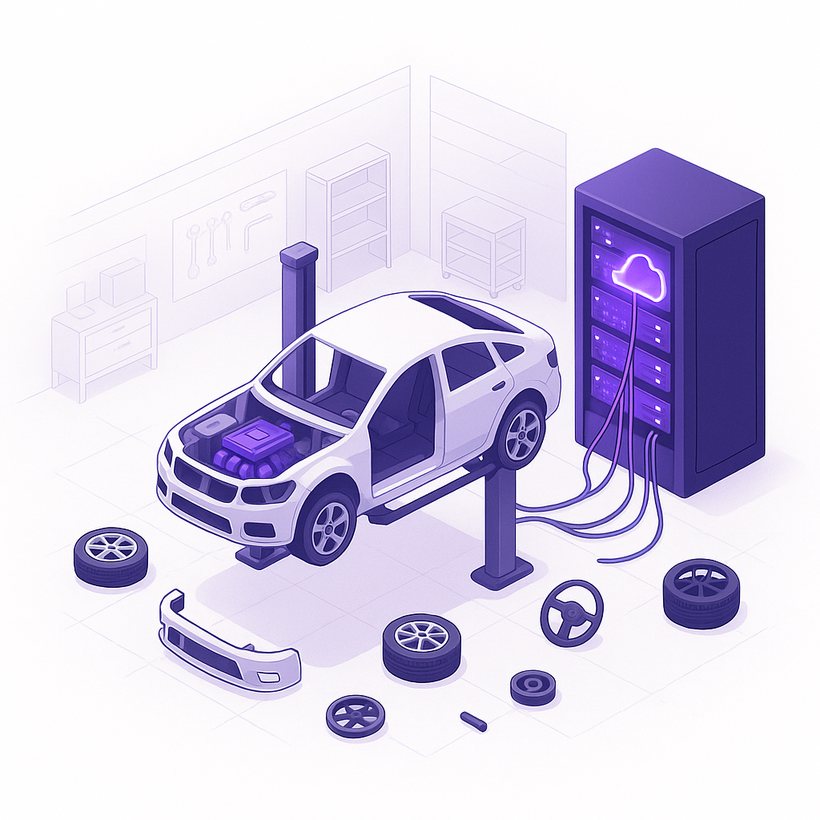
Garage and server rack illustration — server infrastructure
One server = a garage with many work bays (projects)
Multi-tenant

One server, many projects — fully isolated

Each project gets its own runtime environment, database, and port. To the outside, only an HTTPS gateway is open.

Customer browser Internet HTTPS Apache HTTPS gateway · reverse proxy AWS EC2 server (internal) Project A Isolated runtime (venv) · dedicated DB · internal port Project B Isolated runtime (venv) · dedicated DB · internal port Project C … 40+ projects on one server Internal ports aren't exposed beyond the server; outside access goes only through the Apache HTTPS gateway
Full per-project isolation + a single HTTPS gateway — a problem in one project doesn't spread to another.
The Virtuous Cycle

Lessons from the field flow back into the foundation

Running many projects surfaces the same patterns, the same bugs, and useful new utilities over and over. Instead of burying them in individual projects, we fold them into standarda-core & template so the next project inherits them directly.

A virtuous cycle where improvements spread to everything and make the next development even faster ① Field projects (A·B·C…) Found in operations Repeated patterns · bugs · new utils Fold in (PR · review) ② Folded into the foundation core · template Version tags · changelog recorded Inherit · sync ③ Deployed to projects Next & existing projects New = cookiecutter · existing = sync
Field → shared foundation → back to the field. One project's lessons become the whole team's asset.
① Find

Spot it in the field

Running many projects reveals the same patterns, bugs, and useful utilities over and over.

② Fold in

Merge into the foundation

Merge into standarda-core & template after PR · review. core flows back to the skeleton via a version tag, template via sync-to, and the changelog is recorded in the team wiki.

③ Deploy

Spread to projects

New projects inherit the latest skeleton via cookiecutter; existing projects selectively adopt via sync-from and tag bumps.

④ Accelerate

Virtuous cycle

Improvements spread everywhere, making the next development faster — the more projects there are, the better the foundation gets.

“A bug fixed in one project, no project ever hits twice.”

Lessons don't get trapped on individual servers — they're absorbed into the shared foundation (core · template), so the whole team shares the same improvement.

Automated Operations

Run by automation, not by hand

We've automated as much of the day-to-day operations — standing servers up, keeping them safe, cleaning them up — as possible. The more people step out of the repetitive work, the fewer the mistakes, and the more stably customer services run.

Standing up a new project — in a single command

The whole process, from address registration to secure access, is auto-configured by one command. (Idempotent by design — safe to re-run.)

STEP 1

Register address

Auto-creates the <project>-dev.popupstudio.ai domain record and confirms propagation.

STEP 2

Configure gateway

Apache sets up the reverse proxy that connects that address to the project.

STEP 3

Issue certificate

Auto-issues a Let's Encrypt HTTPS certificate — secure access from the start.

STEP 4

Register port

Validates and assigns a port, and auto-records it in the server ledger.

And the day-to-day ops too — unattended

So a service, once stood up, maintains, protects, and cleans up after itself, the following run automatically on a set schedule.

🔐

Auto certificate renewal

HTTPS certificates for every domain are checked and renewed automatically each day — no service drops from an expiry.

🛡️

Weekly unattended security patching

Both servers perform OS security updates and reboots fully unattended at a set early-morning hour each week.

📦

Safety-gated deploys

Deploys follow a set procedure: apply code → migrate → restart → health check. Anything off auto-aborts, and who deployed is tracked.

🧹

Automated resource-hygiene audits

A dedicated tool cross-checks and reclaims leftover resources — DB, certificates, DNS, ports — left by deleted projects, keeping the server clean.

⚙️

Automated cost optimization

The dev server auto-switches its spec to match work hours and off-hours, managing performance and cost at once.

📝

Automated change logging

Doc changes automatically create review issues, and dev activity logs are periodically compiled automatically, leaving an always-transparent record.

* On top of the always-on unattended automation, backup recovery is regularly tested with actual restores to verify it (see Backups below).
Backup & Recovery

Protecting customer assets with 3-layer backups

We leave backups at different layers automatically every day. We roll back with the fastest method for the scope of the failure.

🗄️

Full server image (AMI)

An image capturing the whole server is created automatically every day (7-day retention). Worst case, restore the whole thing to a new server.

💽

Disk snapshot (EBS)

Per-volume disk snapshots are included in the image, so you can roll back at the storage-volume level.

🧮

Database backup

Each project's DB is dumped automatically every day (7-day retention). Restore just the data individually in minutes.

“We back up every day, and periodically test the actual restore too.”

Having a backup and actually recovering from that backup are two different things. We verify the latter regularly.

Operations & Security

Operations and security as defaults

So they're upheld without special effort, we've built security, isolation, and maintenance into the infrastructure by default.

01

Dev · production server separation

The dev server where experiments come and go and the production server customers actually use are run on separate machines.

02

Encryption at rest

The production server's disk (volume) is encrypted, so stored customer data stays unreadable even if physically leaked.

03

Internal-network isolation · single gateway

Service ports aren't exposed externally — only on the internal network (VPC); external traffic goes solely through the HTTPS gateway. Cloud metadata access is blocked too (IMDSv2).

04

Regular security patching

OS security updates and reboots run automatically at a set weekly time — separated from the backup window to stay current safely.

05

Separated credential management

Sensitive data like customer API keys and Google credentials is kept apart from source code, only in the server's protected configuration, and never committed to the repository.

06

Per-owner isolation & tracking of production resources

Production services run in per-owner isolated spaces and accounts, so who deployed or changed what is tracked.

AWS EC2 (Ubuntu) Apache · HTTPS reverse proxy PostgreSQL Gunicorn (production) Let's Encrypt auto certificates Disk encryption IMDSv2 · VPC internal-network isolation Weekly auto security patching AMI · snapshot · DB backup Per-project isolation
Explore More

Explore the platform